Remove image backgrounds free, in your browser
- Free during the beta
- In your browser
- No account
- Bulk as a ZIP
Drop an image, or try a sample. Download a transparent PNG.
Drop one or more images here
JPG, PNG or WebP
Up to 50 MB and 60 MP per image
or paste with Ctrl+V
Your image stays on your device.Try a sample image
Your first image needs an AI model download (up to 142 MB).
Your image stays on your device. Privacy
Runs open-source models in your browser: BiRefNet on computers, U²-Netp on phones and tablets. Credits
Example result
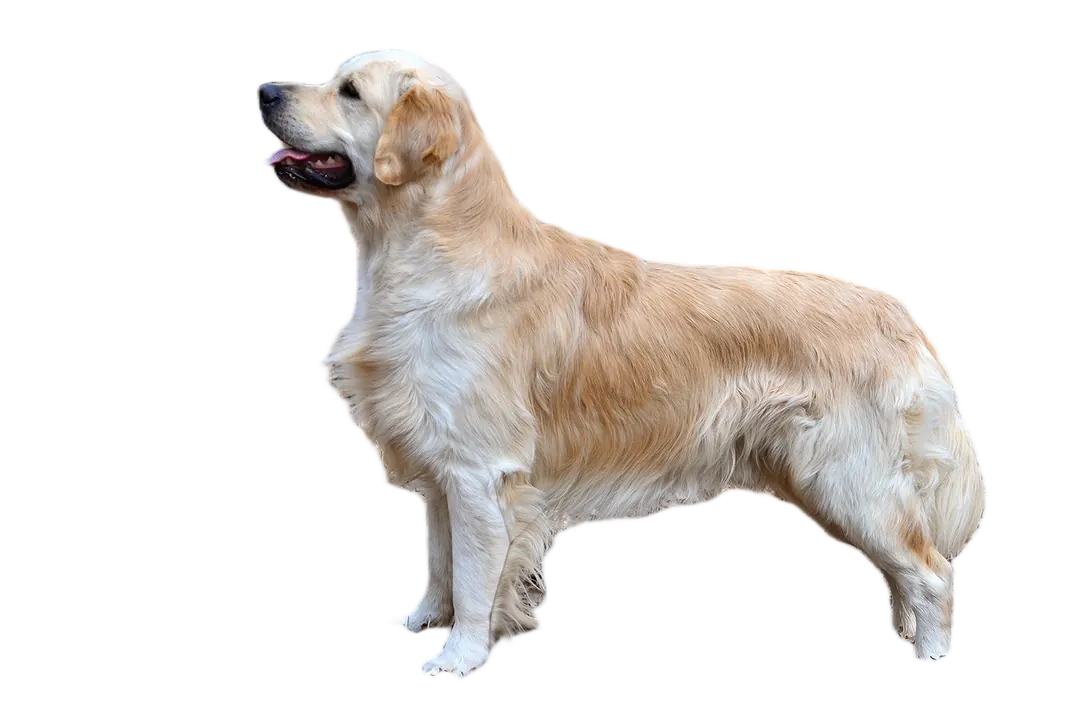

Use the left and right arrow keys to compare. Home shows the complete transparent result. End shows the complete original. Dragging, using the slider or pausing stops the animation until you choose Play demo.
unbg.me removes the background from your image right in the browser and gives you a transparent PNG. It is free during the beta, needs no account, adds no watermark, and your image is not uploaded. Need many at once? Bulk mode takes up to 50images (fewer on some devices) and returns one ZIP: bulk background remover (up to 50 images). Moving off remove.bg? remove.bg is closing: alternatives.
Updated
What do you need?
- remove.bg closes on 1 December 2026: the checklist, and remove.bg alternatives compared.
- Background remover online, with no install.
- Bulk background removal for many images, as a ZIP.
- Transparent PNG maker for a PNG, JPG or WebP.
- Remove backgrounds locally on your own computer.
- No upload: the photo stays on your device.
- Why remove.bg's free download is only 625 × 400.
- FAQ and how it works.
Questions
Is unbg.me free?
Yes, during the beta. There is no account, no credits and no watermark on your result.
Are my photos uploaded?
No. Your browser processes the image on your own device. The image, the result and the filename are not sent to UNBG.
Which files can I use?
Still JPG, PNG and WebP images up to 50 MB and 60 megapixels. You get a PNG with a transparent background, or a solid colour if you choose one.
Why is the first image slower?
The first time, your browser downloads the background removal engine (about 20 MB on phones and tablets, up to about 142 MB on computers). Computers get a more detailed model. It is usually kept for later visits, so the next images start much faster. Clearing site data or an update can mean another download.
Can I remove backgrounds from several images at once?
Yes. Choose or drop up to 50 images (fewer on phones, on devices with less memory and in browsers that don't report memory, such as Firefox and Safari (20 or 10); the tool shows your limit) and download them together as a ZIP.
Why is my result smaller than the original?
On devices with limited memory, very large images are saved at a smaller size so the page stays stable. UNBG tells you when this happens.
How good are the edges around hair?
Usually good, but it is automatic: fine hair, fur, glass and busy backgrounds can leave small mistakes. Check the result before you use it.
Does it work on my phone?
It is tested on desktop Chrome and Firefox on Windows. Edge, phones and Safari are still being tested; if your browser cannot run UNBG, the page will tell you.